Instagram is one of the most popular social media platforms, making it a common target for cybercriminals. Every day, thousands of users receive fake messages, suspicious links, and scam emails designed to steal their login credentials or personal information. These attacks are known as phishing scams, and they continue to become more convincing.
The good news is that most phishing attacks can be avoided if you know what to look for. In this guide from Nobbe.site, you’ll learn about the five most common Instagram phishing scams, how they work, and the best ways to protect your account.
What Is an Instagram Phishing Scam?
A phishing scam is a type of cyberattack where scammers pretend to be Instagram or a trusted company to trick you into revealing sensitive information such as:
- Instagram username
- Password
- Email address
- Phone number
- Two-Factor Authentication (2FA) codes
Their goal is to gain access to your account or steal personal information.
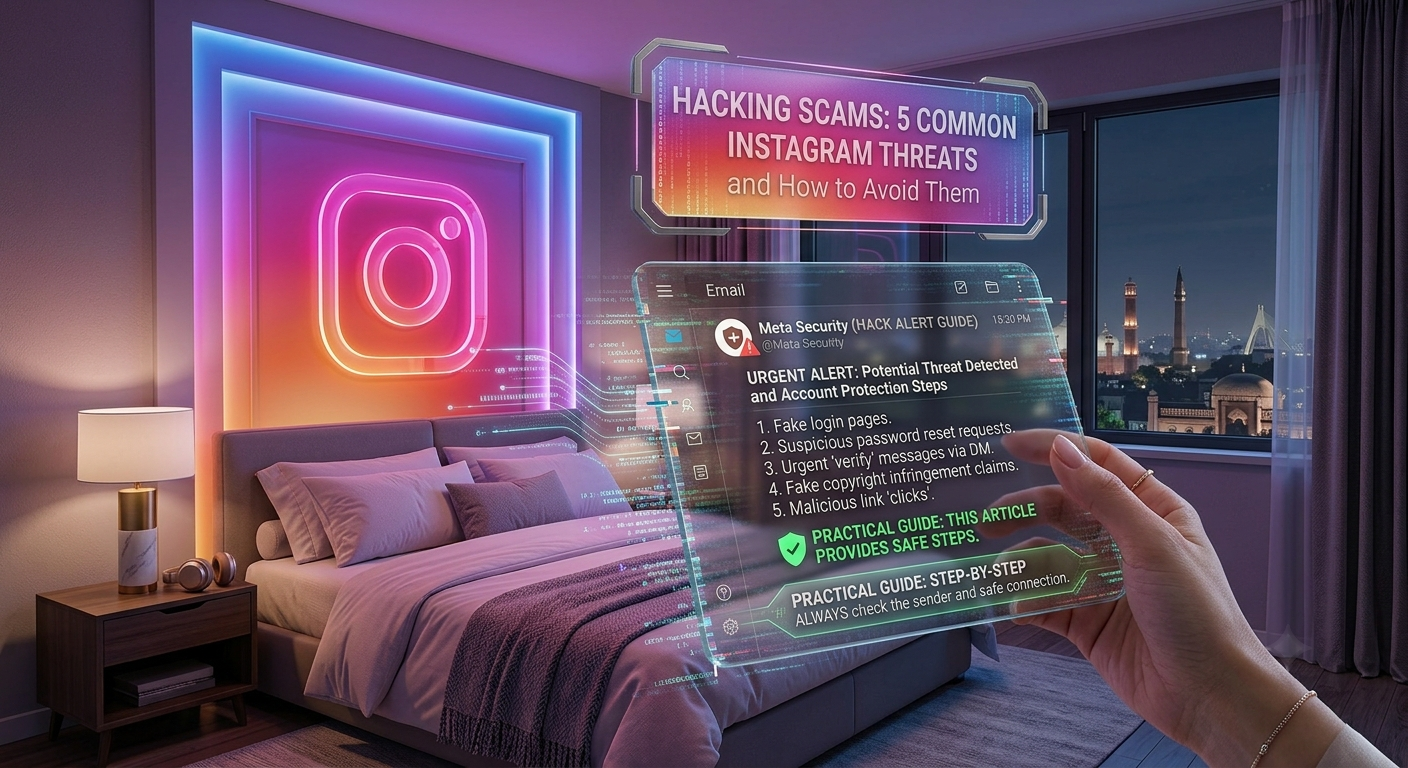
1. Fake Copyright Infringement Messages
One of the most common Instagram scams involves fake copyright violation notices.
Scammers send direct messages claiming that your account has violated copyright laws and will be suspended unless you submit an appeal. The message usually includes a fake link that leads to a phishing website designed to steal your login credentials.
How to Avoid It
- Never click suspicious links in direct messages.
- Verify notifications through Instagram’s official settings.
- Ignore messages from unknown accounts.
- Report and block the sender immediately.
2. Fake Verification Badge Offers
Many users dream of getting the blue verification badge, and scammers take advantage of this.
They may send messages saying you’ve been selected for verification or asking you to complete a form to receive the badge. These forms usually request your Instagram login details.
How to Avoid It
- Instagram does not grant verification through direct messages.
- Apply for verification only through the official Instagram app.
- Never share your password with anyone.
3. Fake Brand Collaboration Scams
Creators and small businesses often receive messages claiming to offer paid partnerships.
The scammer asks you to click a link, download a media kit, or log in to review the contract. Instead, the website steals your account information.
Warning Signs
| Red Flag | Why It’s Suspicious |
|---|---|
| Unrealistic payment offers | Designed to attract victims quickly |
| Unknown company names | Difficult to verify |
| Login required before viewing details | Common phishing tactic |
| Poor grammar and spelling | Often used by scammers |
Always research the company before responding to collaboration offers.
4. Fake Instagram Security Alerts
Scammers send messages such as:
- “Your account will be deleted.”
- “Suspicious activity detected.”
- “Verify your account immediately.”
- “Your account has been temporarily locked.”
The message creates panic and encourages users to click a fake login page.
How to Avoid It
- Check official emails from Instagram.
- Never trust urgent messages from unknown accounts.
- Visit Instagram directly instead of clicking links.
5. Fake Free Followers and Giveaway Scams
Who doesn’t want more followers? Unfortunately, scammers know this.
They promise:
- Free followers
- Free likes
- Free blue ticks
- Cash prizes
- Gift cards
To claim the reward, you’re asked to log in through a fake Instagram page.
In reality, the scammers capture your username and password.
Stay Safe By
- Avoiding “free follower” websites.
- Ignoring unrealistic giveaways.
- Never entering your Instagram password on third-party websites.
How to Identify a Phishing Attempt
Before trusting any Instagram message, look for these warning signs.
| Sign | Safe or Suspicious? |
|---|---|
| Official Instagram notification | ✅ Usually Safe |
| Unknown account sends urgent warning | ❌ Suspicious |
| Requests your password | ❌ Scam |
| Strange website URL | ❌ Scam |
| Poor grammar and spelling | ❌ Suspicious |
| Promises free rewards | ❌ Likely Scam |
If you notice several of these signs, avoid interacting with the message.
What Should You Do If You Clicked a Phishing Link?
If you accidentally clicked a suspicious link, don’t panic.
Take these steps immediately:
- Change your Instagram password.
- Change your email password if it’s linked to Instagram.
- Enable Two-Factor Authentication.
- Check your recent login activity.
- Remove unknown devices from your account.
- Report the phishing account to Instagram.
Acting quickly can help prevent unauthorized access.
Best Ways to Protect Your Instagram Account
Following these security habits can significantly reduce your risk of becoming a phishing victim.
| Security Tip | Benefit |
|---|---|
| Use a unique password | Prevents password reuse attacks |
| Enable Two-Factor Authentication | Adds an extra layer of security |
| Verify official emails | Confirms genuine Instagram notifications |
| Ignore suspicious links | Reduces phishing risk |
| Keep your device updated | Improves overall security |
Frequently Asked Questions
What is the most common Instagram phishing scam?
Fake copyright infringement messages and fake security alerts are among the most common phishing scams targeting Instagram users.
Can someone steal my account through a phishing website?
Yes. If you enter your Instagram username and password on a fake login page, scammers may gain access to your account.
Does Instagram ask for passwords through direct messages?
No. Instagram never requests your password or verification codes through direct messages.
How can I verify if a message is real?
Check your official Instagram notifications and emails instead of trusting links sent by unknown accounts.
Is Two-Factor Authentication worth enabling?
Yes. Two-Factor Authentication provides one of the strongest protections against unauthorized account access.
Final Thoughts
Instagram phishing scams are becoming more sophisticated, but they all share one goal: tricking users into revealing sensitive information. By learning to recognize fake copyright notices, verification offers, security alerts, brand collaboration scams, and giveaway messages, you can avoid most attacks before they cause harm.
Remember to think before you click, verify messages through official Instagram channels, and enable Two-Factor Authentication to strengthen your account security.
At Nobbe.site, we publish trusted technology guides, cybersecurity tips, and practical social media tutorials to help you stay informed and protected online. Visit Nobbe.site regularly for more expert advice on Instagram security, privacy, and the latest digital safety trends.