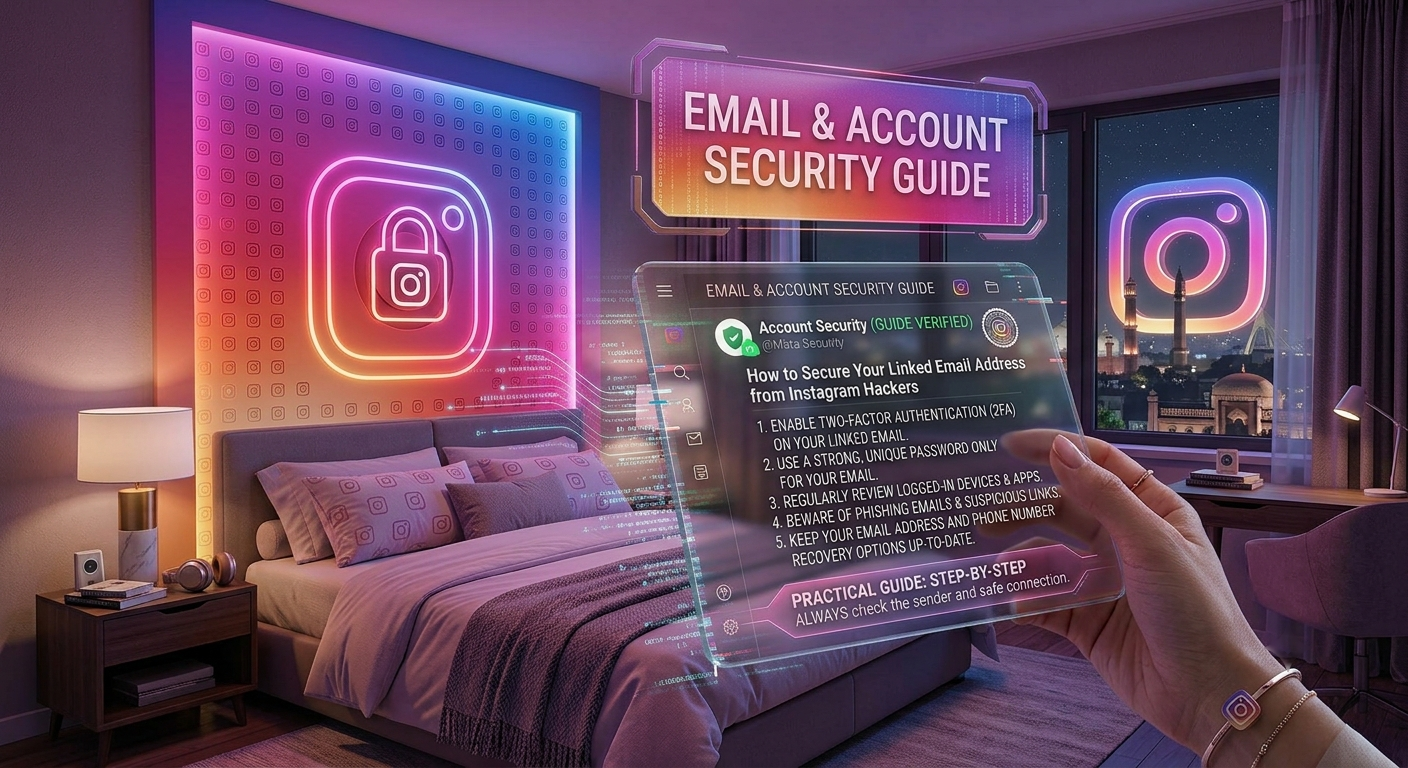
Your Instagram account is only as secure as the email address connected to it. Many people focus on creating a strong Instagram password but forget that hackers often target the linked email account first. If someone gains access to your email, they may be able to reset your Instagram password, bypass security measures, and take control of your account.
The good news is that protecting your email is simple when you follow the right security practices. In this guide from Nobbe.site, you’ll learn how to secure the email connected to your Instagram account and reduce the risk of hacking attempts.
Why Is Your Linked Email So Important?
Your email address is the primary recovery method for Instagram. If you forget your password or need to verify your identity, Instagram sends recovery links and security notifications to your email.
If hackers gain access to your email, they may be able to:
- Reset your Instagram password.
- Change your recovery email.
- Remove your phone number.
- Disable security alerts.
- Lock you out of your own account.
That’s why securing your email should always be your first priority.
Signs Your Email May Be at Risk
Watch for these warning signs that could indicate someone is trying to access your email account.
| Warning Sign | What It Could Mean |
|---|---|
| Password reset emails you didn’t request | Someone may be trying to access your account. |
| Login alerts from unknown locations | Unauthorized login attempts. |
| Missing emails | A hacker may have deleted important messages. |
| Unknown forwarding rules | Someone could be redirecting your emails. |
| Security settings changed | Your account may have been compromised. |
If you notice any of these signs, take action immediately.
1. Use a Strong and Unique Email Password
A weak password is one of the easiest ways for hackers to gain access.
A strong password should:
- Be at least 12 characters long.
- Include uppercase and lowercase letters.
- Contain numbers and symbols.
- Avoid names, birthdays, or common words.
- Be different from your Instagram password.
Never reuse the same password across multiple accounts.
2. Enable Two-Factor Authentication (2FA)
Two-Factor Authentication adds an extra layer of protection by requiring a verification code in addition to your password.
With 2FA enabled, even if someone learns your password, they won’t be able to access your email without the second verification step.
Authenticator apps are generally more secure than SMS-based verification.
3. Keep Your Recovery Information Updated
Make sure your email account has:
- A current recovery phone number.
- A trusted recovery email address.
- Updated security questions (if supported).
This helps you regain access quickly if your account is ever compromised.
4. Beware of Phishing Emails
Hackers often send fake emails pretending to be Instagram or your email provider.
Common phishing messages include:
- “Your account has been suspended.”
- “Verify your email immediately.”
- “Unusual login detected.”
- “Reset your password now.”
Always check the sender’s email address and avoid clicking suspicious links.
5. Review Login Activity Regularly
Most email providers allow you to view recent login history.
Check for:
- Unknown devices.
- Unfamiliar locations.
- Login attempts you don’t recognize.
If anything looks suspicious, change your password immediately and sign out of all other sessions.
6. Remove Suspicious Third-Party Apps
Some apps request permission to access your email account.
Review connected apps regularly and remove any that you no longer use or don’t recognize.
Only grant access to trusted applications.
7. Keep Your Devices Updated
Security updates fix vulnerabilities that hackers may try to exploit.
To stay protected:
- Update your phone regularly.
- Keep your browser updated.
- Install operating system updates.
- Use trusted antivirus software if available.
Keeping your device current reduces the risk of malware and unauthorized access.
Best Security Practices
| Security Tip | Why It Helps |
|---|---|
| Use a unique password | Prevents password reuse attacks. |
| Enable Two-Factor Authentication | Adds an extra security layer. |
| Check login activity | Detects suspicious access quickly. |
| Avoid phishing links | Protects your credentials. |
| Update recovery information | Makes account recovery easier. |
| Remove unused apps | Reduces unnecessary access. |
What to Do If Your Email Is Hacked
If you believe someone has accessed your email account:
- Change your email password immediately.
- Enable or reconfigure Two-Factor Authentication.
- Review recent login activity.
- Remove unknown devices.
- Update your Instagram password.
- Check your recovery email and phone number.
- Review forwarding rules and connected apps.
Acting quickly can prevent hackers from taking over your Instagram account.
Frequently Asked Questions
Can hackers access my Instagram through my email?
Yes. If a hacker controls your email account, they may be able to reset your Instagram password and attempt to take over your account.
Should my email password be different from my Instagram password?
Absolutely. Using different passwords greatly improves your security.
Is Two-Factor Authentication necessary?
Yes. It is one of the most effective ways to protect both your email and Instagram accounts from unauthorized access.
How often should I check my email security?
It’s a good habit to review your login activity and security settings every few weeks or whenever you receive unusual notifications.
What should I do if I receive a fake security email?
Do not click any links or download attachments. Verify the message through your email provider or Instagram’s official security settings.
Final Thoughts
Your linked email account is the foundation of your Instagram security. Even the strongest Instagram password won’t fully protect your account if your email is vulnerable. By using a unique password, enabling Two-Factor Authentication, avoiding phishing emails, and monitoring your account activity, you can significantly reduce the risk of hackers gaining access.
At Nobbe.site, we publish trusted technology guides, cybersecurity tips, and practical social media tutorials to help users stay safe online. Visit Nobbe.site regularly for more expert advice on Instagram security, privacy, and digital safety.