Have you ever logged into your Instagram account on a friend’s phone, office computer, or an old device and forgotten to sign out? If so, your account could remain accessible from those devices. Fortunately, Instagram allows you to check every active login session and remove devices you no longer trust.
Regularly reviewing your login activity is one of the easiest ways to improve your account security. In this guide from Nobbe.site, you’ll learn how to see active login sessions, identify suspicious devices, and log out unwanted devices before they become a security risk.
Why You Should Check Active Login Sessions
Your Instagram account may be signed in on multiple devices at the same time. While this is convenient, it can also become a security risk if you forget to log out from an old phone or public computer.
Checking your login sessions helps you:
- Detect unauthorized access.
- Remove old or unused devices.
- Protect your private messages and photos.
- Prevent hackers from staying logged into your account.
- Improve your overall Instagram security.
Making this a monthly habit can significantly reduce the chances of your account being compromised.
Signs Someone Else May Be Logged Into Your Account
You should review your login sessions immediately if you notice any of these warning signs:
- Login alerts from unfamiliar locations.
- Posts or stories you didn’t upload.
- Messages sent without your knowledge.
- Your password suddenly stops working.
- Changes to your profile information or email address.
- New followers or accounts you didn’t follow.
These signs may indicate that someone else has access to your Instagram account.
How to See Active Login Sessions on Instagram
Follow these simple steps:
Step 1: Open Instagram
Launch the Instagram app on your Android or iPhone.
Step 2: Visit Your Profile
Tap your profile picture in the bottom-right corner.
Step 3: Open Settings
Tap the three-line menu in the top-right corner and choose Settings and Privacy.
Step 4: Open Accounts Center
Tap Accounts Center.
Step 5: Go to Password and Security
Select Password and Security.
Step 6: Tap “Where You’re Logged In”
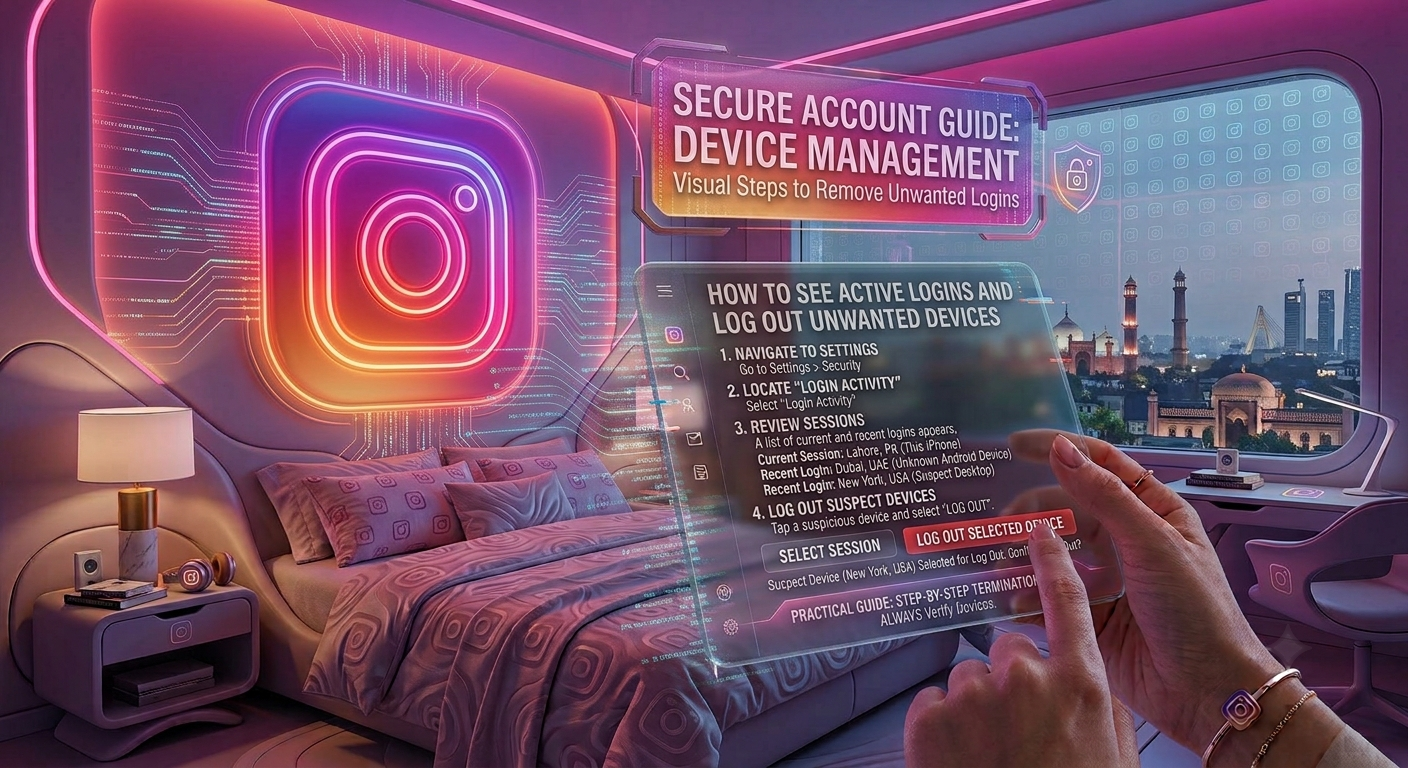
Instagram will display every device currently connected to your account.
You’ll see information such as:
- Device type
- Approximate location
- Last active time
- Current device status
Carefully review the list and look for anything unfamiliar.
Login Session Information Explained
| Information Shown | What It Means |
|---|---|
| Device Name | The phone, tablet, or computer using your account |
| Approximate Location | The city or region where the login occurred |
| Last Active | The most recent time the device accessed Instagram |
| Current Session | Identifies the device you’re currently using |
If you notice a location or device you don’t recognize, take action immediately.
How to Log Out of Unwanted Devices
Removing unknown devices only takes a few seconds.
Follow these steps:
- Open Where You’re Logged In.
- Select the device you want to remove.
- Tap Log Out.
- Confirm your choice.
That device will immediately lose access to your Instagram account.
What If You Find an Unknown Login?
If you don’t recognize one of the listed devices:
- Log out of that session immediately.
- Change your Instagram password.
- Enable Two-Factor Authentication.
- Check your linked email account.
- Review your recovery phone number and email address.
These steps help prevent future unauthorized access.
Enable Two-Factor Authentication for Better Security
Even a strong password isn’t always enough.
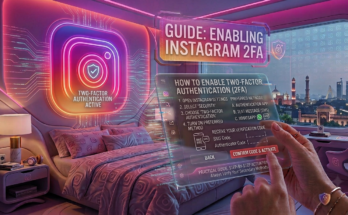
Two-Factor Authentication (2FA) adds an additional security layer by requiring a verification code whenever someone tries to log into your account from a new device.
For maximum protection, use an authenticator app instead of SMS verification whenever possible.
Best Practices to Keep Your Instagram Account Safe
Following these habits can help protect your account from hackers.
| Security Tip | Benefit |
|---|---|
| Check login sessions monthly | Detects suspicious devices early |
| Use a unique password | Prevents password reuse attacks |
| Enable Two-Factor Authentication | Adds extra login protection |
| Never share verification codes | Stops account takeover attempts |
| Log out of shared devices | Prevents unauthorized access later |
| Secure your linked email | Protects account recovery options |
Common Mistakes to Avoid
Many Instagram users unknowingly leave their accounts exposed.
Avoid these mistakes:
- Staying logged in on public computers.
- Using the same password across multiple websites.
- Ignoring login notification emails.
- Sharing your password with others.
- Never reviewing your active login sessions.
Simple security habits can greatly reduce your risk of being hacked.
What to Do If Your Instagram Account Has Been Hacked
If you believe someone has accessed your account:
- Change your Instagram password immediately.
- Log out of every unknown device.
- Enable Two-Factor Authentication.
- Secure your linked email account.
- Review recent login activity.
- Remove any unfamiliar devices or connected apps.
- Check your recovery information to ensure it hasn’t been changed.
Taking action quickly improves your chances of keeping or recovering your account.
Frequently Asked Questions
Can I see every device logged into my Instagram account?
Yes. Instagram allows you to view all active login sessions through Accounts Center → Password and Security → Where You’re Logged In.
Can I remove just one device?
Yes. You can log out of a single device without affecting the others.
What if I don’t recognize a login location?
Log out of that device immediately, change your password, and enable Two-Factor Authentication.
How often should I check my login sessions?
Checking once a month or whenever you receive a security alert is a good practice.
Does changing my password log out other devices?
In many cases, yes. Instagram may require previously logged-in devices to sign in again, especially if suspicious activity is detected.
Final Thoughts
Regularly checking your active login sessions is one of the simplest ways to protect your Instagram account. By removing unknown devices, using a strong password, and enabling Two-Factor Authentication, you can significantly reduce the risk of unauthorized access. Spending just a few minutes reviewing your login history can save you from losing your account and personal information.
At Nobbe.site, we publish trusted technology guides, cybersecurity tips, and practical Instagram tutorials to help users stay safe online. Visit Nobbe.site regularly for more expert advice on social media privacy, account security, and the latest digital safety practices.