Two-Factor Authentication (2FA) is one of the best ways to protect your Instagram account. However, there are times when you may be unable to receive your verification code. For example, you may have lost your phone, changed your mobile number, or no longer have access to your authentication app.

If you’re locked out of your account, don’t panic. There are several legitimate ways to regain access. In this guide from Nobbe.site, you’ll learn how to log in to Instagram when you can’t receive your verification code, while avoiding scams that promise to bypass Instagram’s security.
Important: There is no legitimate method to bypass Instagram’s Two-Factor Authentication without proving that you own the account. If a website or app claims it can remove 2FA instantly, it’s almost certainly a scam.
Why You’re Not Receiving the Verification Code
There are several common reasons why Instagram’s verification code may not arrive.
- Your phone number has changed.
- You lost your mobile device.
- Your authentication app was deleted.
- Your SIM card is inactive.
- Network issues are delaying SMS messages.
- You’re entering the wrong verification code.
- You’re trying to sign in from a new device.
Identifying the cause will help you choose the right recovery method.
Ways to Log In Without Receiving the Verification Code
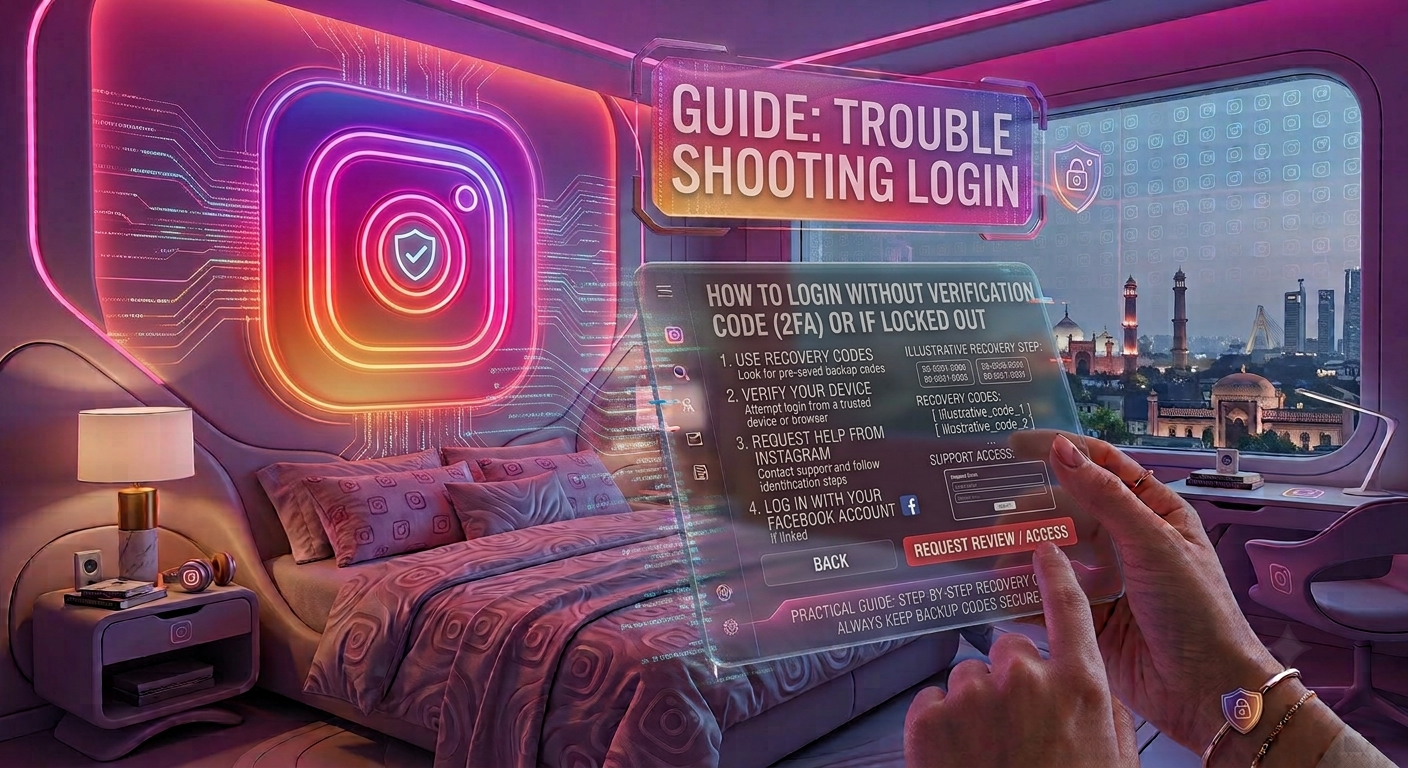
1. Use Your Backup Codes
When you enabled Two-Factor Authentication, Instagram provided backup codes.
These one-time codes allow you to access your account if you cannot receive SMS or authentication app codes.
If you saved these codes, enter one during login to regain access.
2. Check Your Authentication App
If you selected an authenticator app instead of SMS, open the app on your device.
Popular authenticator apps generate a new six-digit code every few seconds.
Enter the current code when Instagram asks for verification.
3. Try Another Logged-In Device
If you’re already logged into Instagram on another phone, tablet, or computer, you may be able to:
- Review your security settings.
- Update your phone number.
- Disable and re-enable Two-Factor Authentication.
- Generate new backup codes.
This is often the easiest recovery method.
4. Recover Your Linked Email Account
If your email account is still accessible, you can use it during Instagram’s account recovery process.
Make sure your email account is secure before attempting recovery.
5. Use Instagram’s Account Recovery Option
If none of the above methods work:
- Open the Instagram login page.
- Tap Forgot Password? or Get Help Logging In.
- Follow the account recovery instructions.
- Verify your identity if requested.
Instagram may ask you to confirm ownership of the account before restoring access.
Recovery Methods Compared
| Recovery Method | Works Without SMS? | Recommended |
|---|---|---|
| Backup Codes | ✅ Yes | ⭐ Best |
| Authentication App | ✅ Yes | ⭐ Best |
| Logged-In Device | ✅ Yes | ⭐ Very Good |
| Account Recovery | ✅ Yes | ⭐ Good |
| Email Recovery | ✅ Yes | ⭐ Good |
Using backup codes or a trusted device is usually the fastest option.
What NOT to Do
Many websites claim they can remove Instagram’s 2FA or unlock your account instantly.
Avoid:
- Fake “Instagram recovery” websites.
- Apps asking for your password.
- Services promising to bypass Two-Factor Authentication.
- Paying strangers to recover your account.
- Sharing your verification codes.
Instagram never asks for your password or security codes through direct messages.
Tips to Avoid Future Login Problems
To prevent being locked out again:
| Security Tip | Benefit |
|---|---|
| Save backup codes | Recover your account quickly |
| Keep your phone number updated | Receive verification codes without issues |
| Secure your linked email | Makes account recovery easier |
| Use an authenticator app | More secure than SMS |
| Review security settings regularly | Prevents unexpected login problems |
A few minutes of preparation can save hours of recovery time later.
Common Reasons Recovery Fails
Sometimes users cannot recover their accounts because:
- The linked email address is no longer accessible.
- The phone number has changed.
- Backup codes were never saved.
- Account ownership cannot be verified.
- Security information is outdated.
Keeping your recovery information current is essential.
Frequently Asked Questions
Can I log into Instagram without a verification code?
Yes, but only through legitimate recovery methods such as backup codes, an authenticator app, a trusted logged-in device, or Instagram’s official account recovery process.
Can I bypass Instagram’s Two-Factor Authentication?
No. Instagram’s 2FA is designed to protect your account. There is no legitimate or approved way to bypass it without verifying that you own the account.
What if I lost my phone?
If you have backup codes, a trusted logged-in device, or access to your linked email account, you may still be able to recover your account.
Are 2FA bypass tools safe?
No. Websites or apps claiming to bypass Instagram’s security are usually scams that attempt to steal your account information.
Should I disable Two-Factor Authentication after recovering my account?
Not necessarily. Instead, update your phone number, save new backup codes, and ensure your authentication method is working correctly. Keeping 2FA enabled provides much stronger protection.
Final Thoughts
Being locked out of your Instagram account because you can’t receive a verification code can be frustrating, but there are several safe and legitimate recovery options. Backup codes, authentication apps, trusted devices, and Instagram’s official recovery process are the best ways to regain access. Avoid websites or services that promise to bypass 2FA, as they often lead to phishing scams or account theft.
At Nobbe.site, we publish trusted technology guides, cybersecurity tips, and practical Instagram tutorials to help users solve common account problems safely. Visit Nobbe.site regularly for more expert advice on Instagram security, privacy, and digital safety.